InForm Fitness — User guide
The complete guide to InForm Fitness. Walkthroughs are shown on iPhone; the same app runs on iPad and Mac, with a companion Apple Watch app. Use the contents to jump around.
Getting started
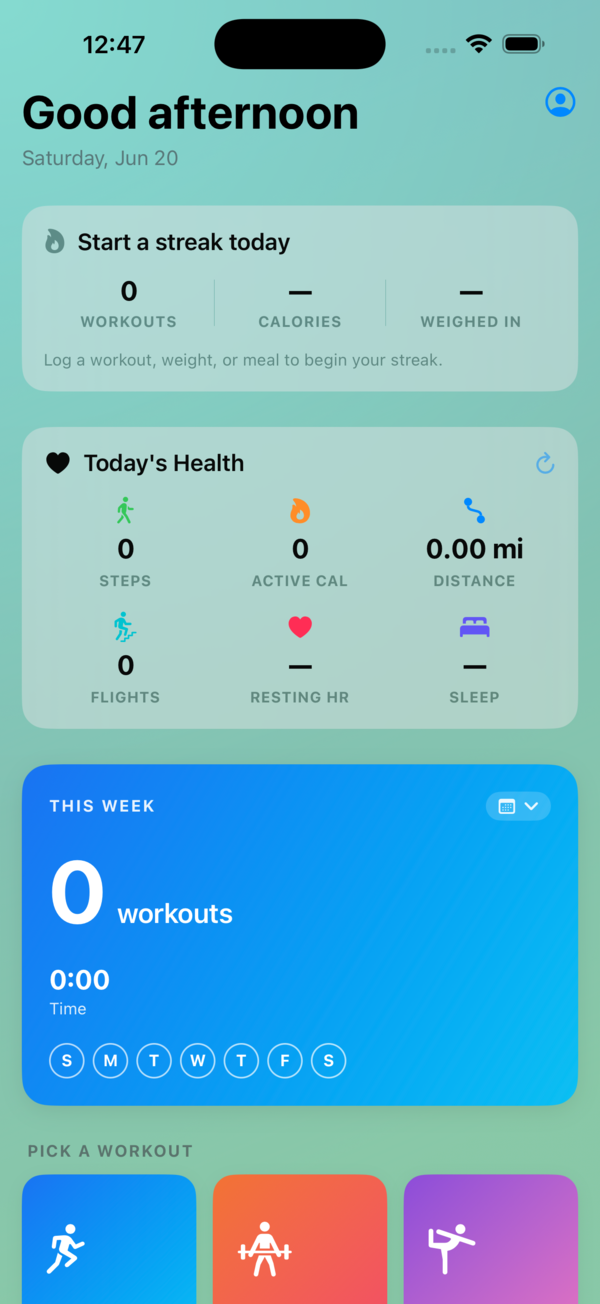
On first launch, InForm shows a short tour that explains the five kinds of training and finishes with a plain statement of how it handles your data — no accounts, no ads, nothing sent to a server. You can start using the app right away.
The Today tab is your home base: a greeting, your weekly, monthly, and yearly workout rollup, a live health card (heart rate, active energy, steps), your recent workouts, and quick tiles to jump into anything.
In Settings → Home you choose which modules appear and in what order, so Today reflects the training you actually do. If you never lift, hide strength; if cardio is your thing, put it first.
Interval running & cardio
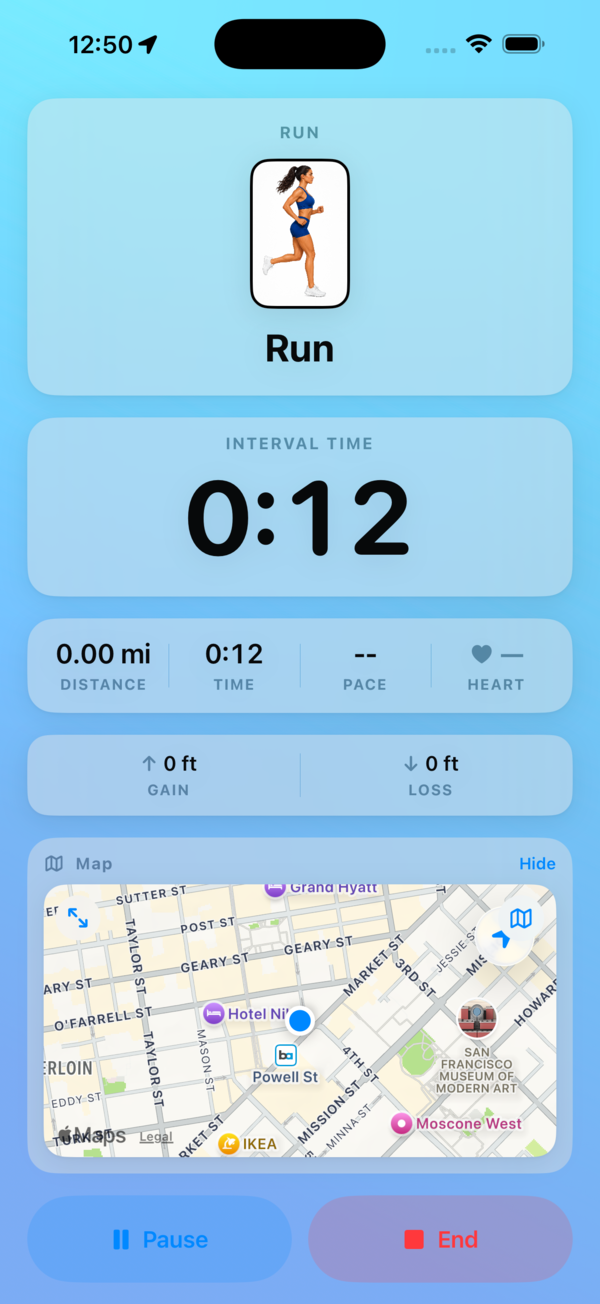
Start a run or walk and InForm draws your route on a live map (standard, hybrid, or satellite) with real-time pace, distance, and elevation. Spoken cues keep your eyes off the screen — interval countdowns, the halfway mark, and the name of the activity you're moving into.
- Interval modes: strict, flexible, or fully custom work/rest steps.
- Indoor activities — treadmill, bike, rower, elliptical, and more — skip GPS and just track time and effort.
- A Lock Screen Live Activity shows your run at a glance, and you can play Apple Music in the background.
When you finish, the session is saved to your history with its full route and elevation profile.
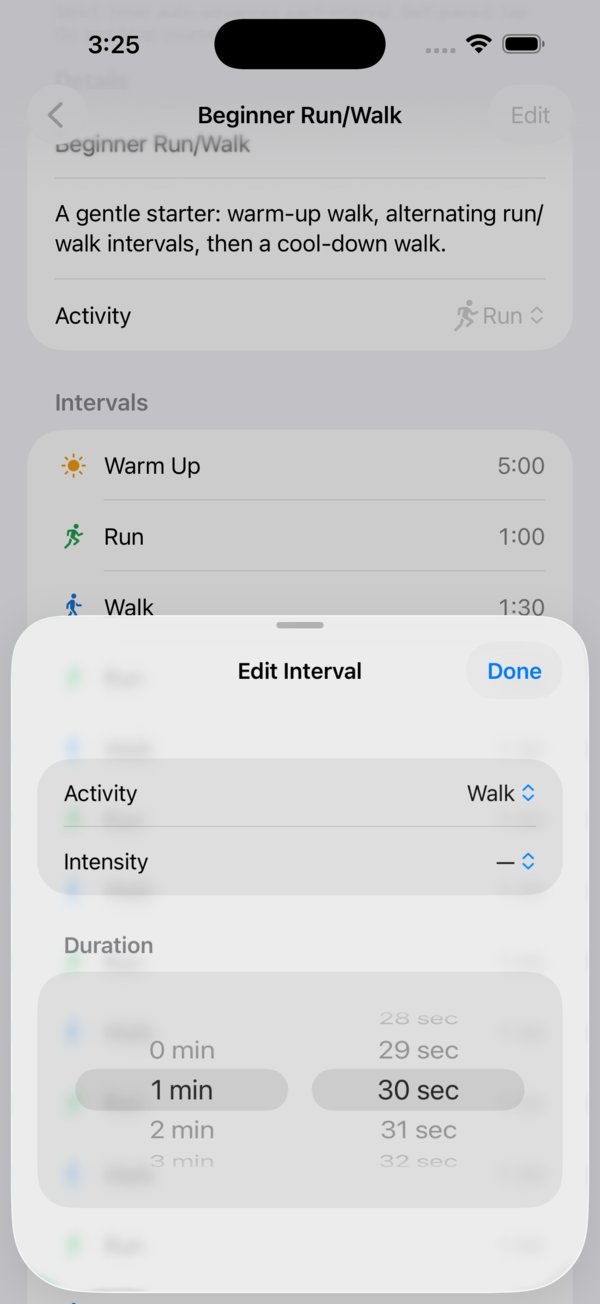
To shape an interval workout, open the interval builder and set each step's work and rest, the activity, and the intensity. Save it and it's ready to launch any time — the spoken cues read straight from the steps you laid out.
Strength & the exercise library
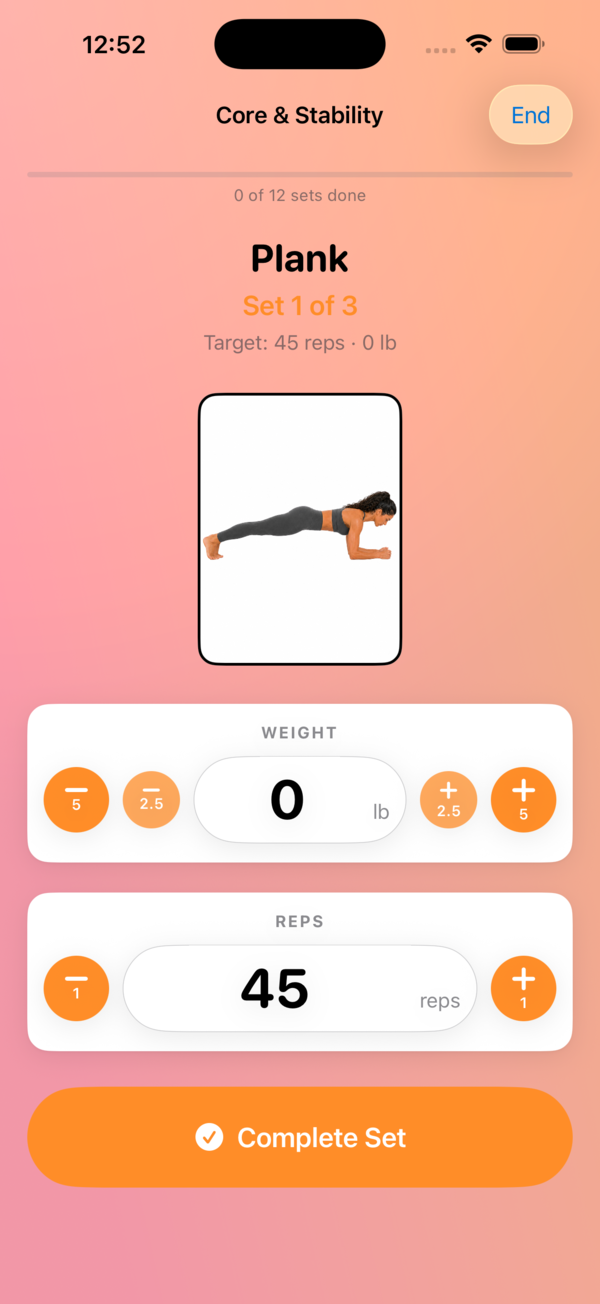
Strength sessions are guided set by set. Each set shows your target reps and weight, with quick ± adjusters and an auto-prefill from your last set so logging takes a tap or two. A configurable rest timer counts you down with cues between sets, and unilateral moves prompt you to switch sides.
Every movement is drawn from a library of 100+ exercises, each with an anatomical diagram, equipment tags, and form cues.
Tap any exercise to open its form guide — written coaching for every exercise in the library:
- Form steps — how to set up and perform the movement, in order.
- Muscles worked — the primary and secondary muscles.
- What you should feel — so you know it's landing where it should.
- Common mistakes to avoid, plus suggested breathing and tempo.
The form guides read beautifully on iPhone and iPad, and open in a full detail pane on Mac.
Yoga & stretching
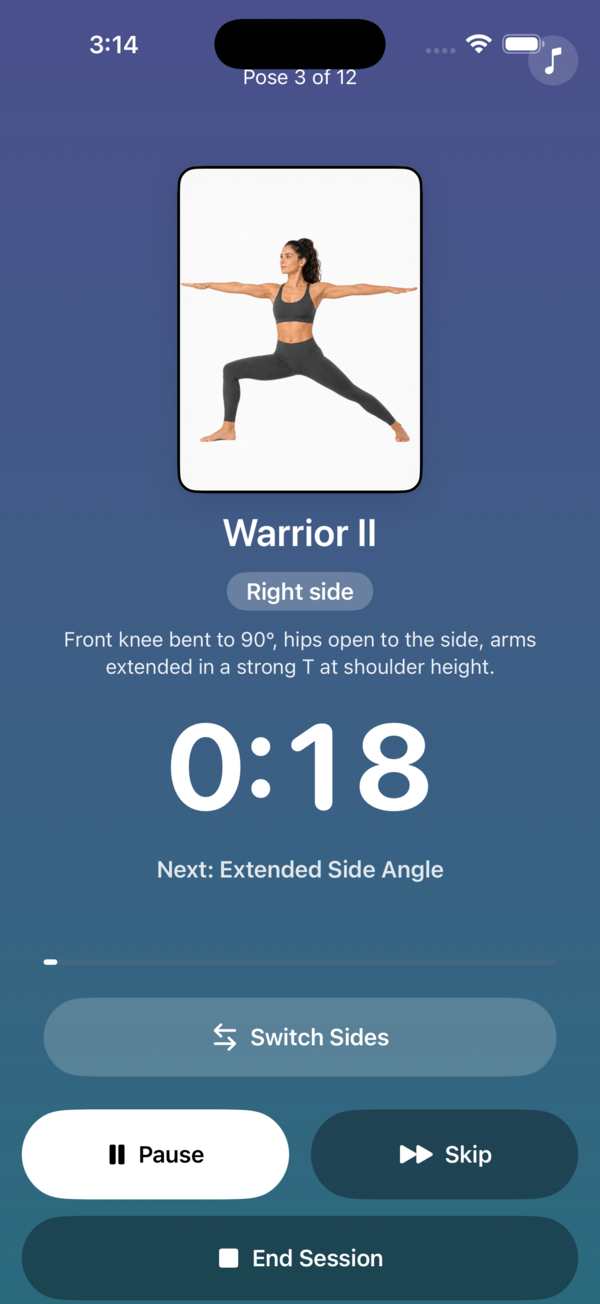
InForm includes 50+ illustrated poses and stretches. Build a routine, then follow a guided, full-screen session with a per-pose countdown, a next-pose preview, switch-sides prompts, and optional background music — useful for a yoga flow, a warm-up, or a cool-down.
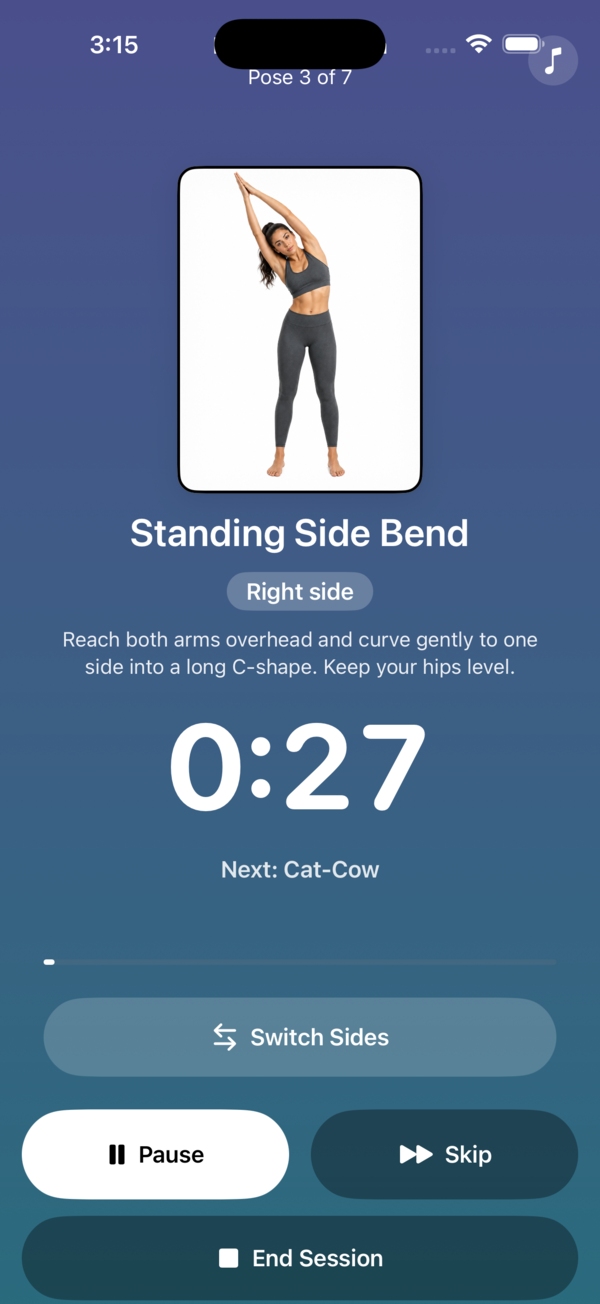
Stretching works the same way — assemble the stretches you want and InForm walks you through them on a timer, hands-free, so you can hold each one for as long as you set.
Building programs & plans
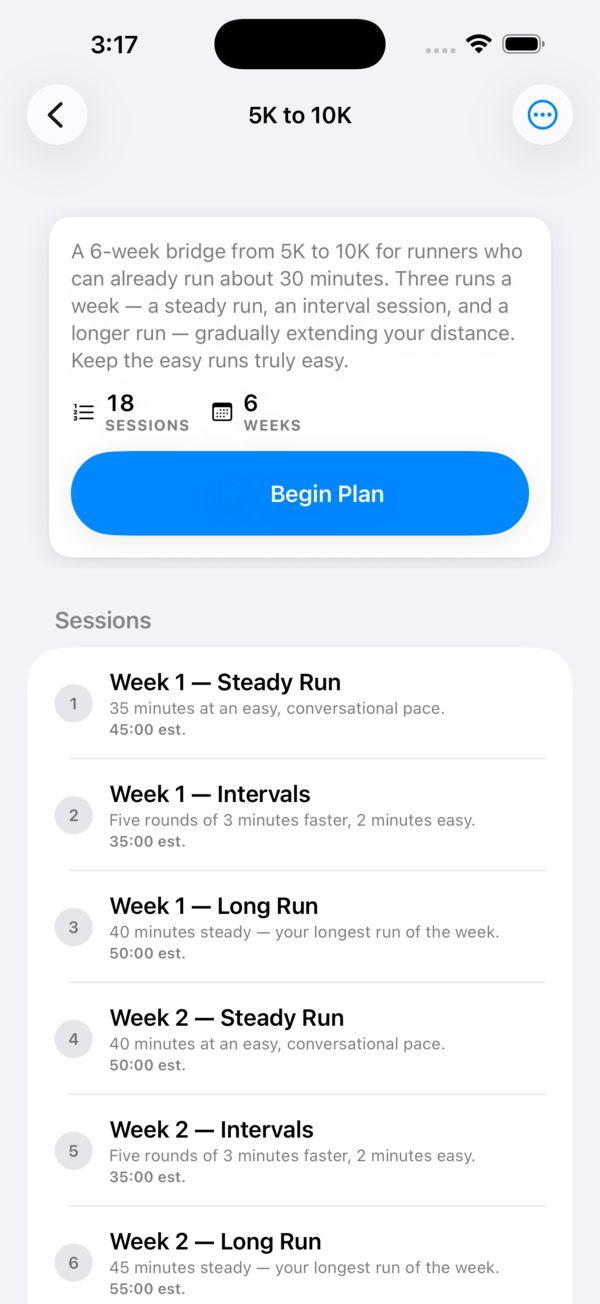
There are two ways to give your training structure:
- Programs are single sessions you build and reuse — an interval workout, a strength day, or a yoga routine.
- Plans string several sessions together into a multi-session curriculum. Enroll in a plan and InForm tracks your next-up session and launches it for you. A few starter plans are bundled in.
You can export a plan as a .informplan file and share it by AirDrop, Mail, or iCloud Drive — and import one a friend sends you. (Plans share as files; there's no online account or social feed.)
Build a program from your goals
On Mac, the Build from your goals wizard turns a few answers into a balanced strength session you can edit and save. You pick:
- A goal — Build Muscle, Tone & Stay Fit, Muscular Endurance, or Maximal Strength.
- Your experience level, how many days per week you train, and a session length.
InForm suggests a balanced set of exercises with set, rep, and rest schemes that fit the goal, along with conservative starting weights to ease into. You preview it, adjust anything, then save it as a normal program. The suggestions are general fitness guidance, not medical advice — they're a sensible starting point, not a prescription, so review them and work within what's comfortable for you.
Weight, photos & measurements
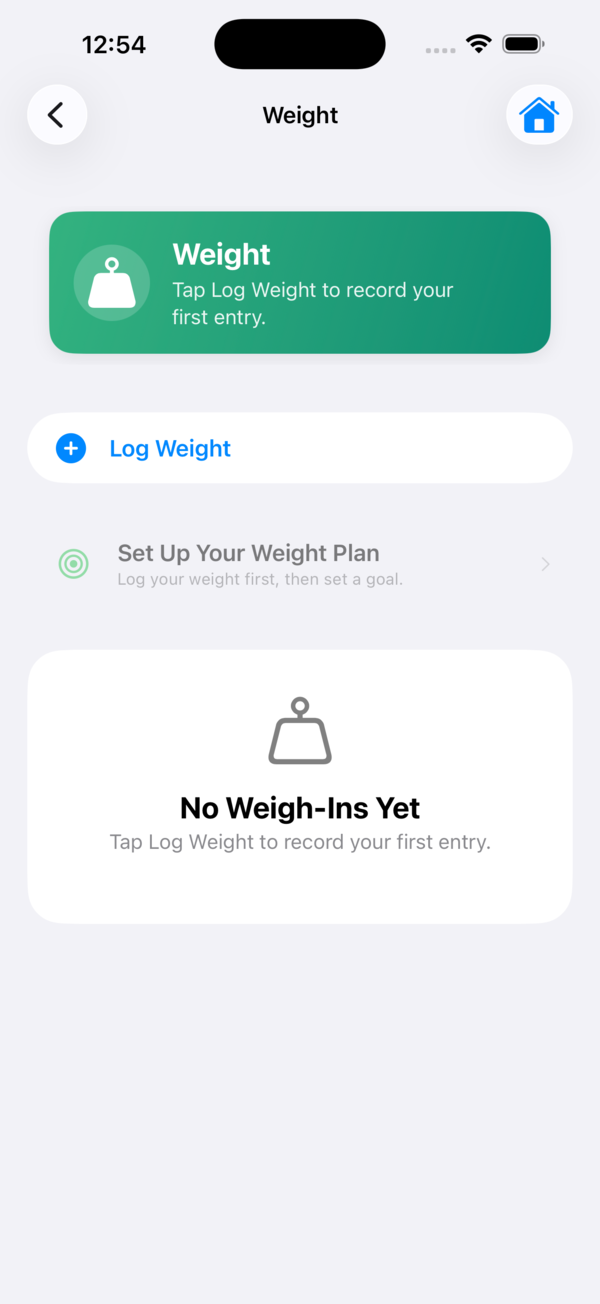
Log your daily weight in a tap. The trend chart shows a moving average and your goal line so the day-to-day noise doesn't distract you, with range filters and full edit/delete history. You can share a progress card, with a toggle to hide the numbers if you'd rather not show them.
Under Progress you can also keep:
- Progress photos from the camera or your library, with a before/after compare card.
- Body measurements — waist, chest, hips, arms, thighs, and body-fat % — each with its own trend chart.
Meals & nutrition
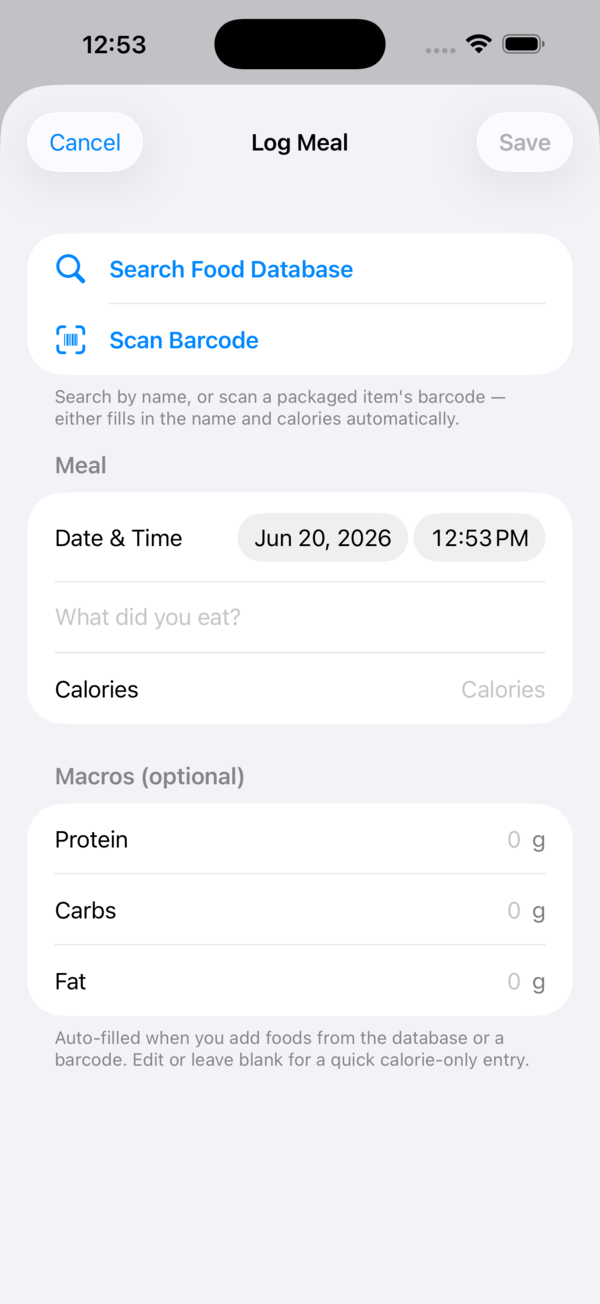
Log a meal three ways: type it in, scan a barcode with the camera (looked up in the open Open Food Facts database), or search the built-in food database. InForm tallies your daily total against a calorie budget that factors in the exercise you've burned, read from Apple Health.
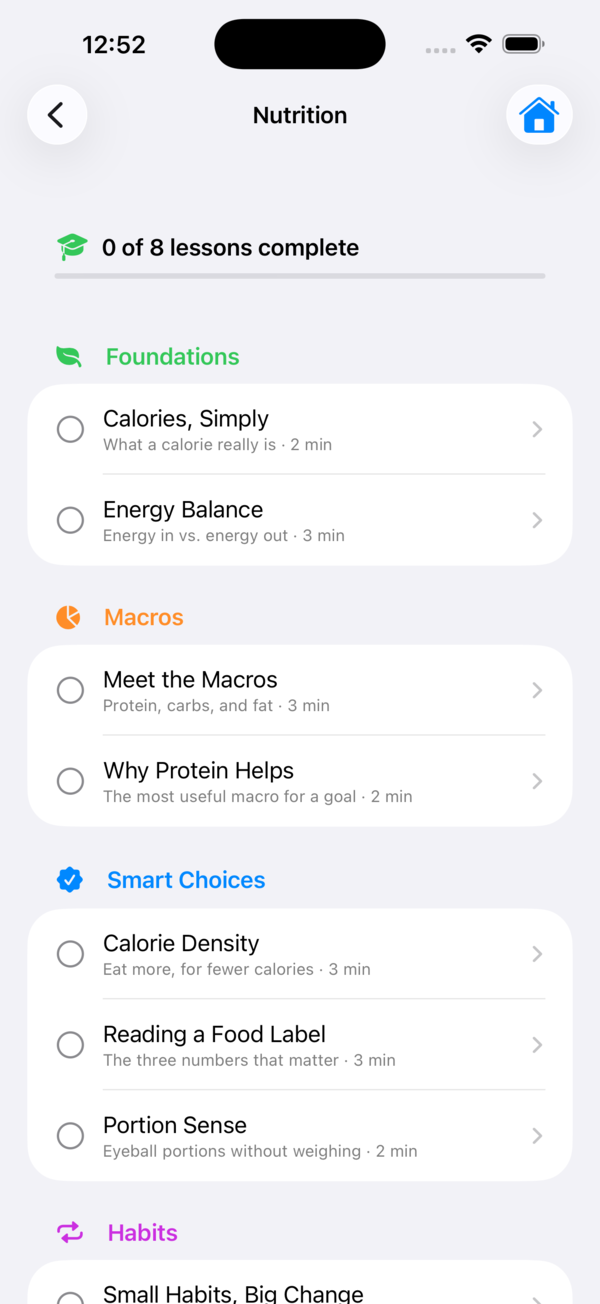
The nutrition lessons are a library of short, illustrated reads on how eating and training fit together. Work through them at your own pace; each one is marked complete as you go, so you can pick up where you left off.
Across your devices
InForm is native on every screen, and each device plays a different role in the same routine.
iPhone
Your everyday capture device — start and log every kind of workout, scan meals, and check Today on the go.
Apple Watch
Start and record a workout from your wrist — live heart rate, active energy, and elapsed time, with pause, resume, and end. It can also mirror a run you've started on your iPhone.
iPad
The full app with room to breathe — the same training, history, and form guides on a larger screen.
Mac
The desktop hub for the heavy lifting: build and edit programs and plans, run the goal-based generator, read the full exercise form library, dig into stats — a workout calendar heatmap and per-exercise estimated-1RM trends — and export your history to CSV or a one-page PDF.
Apple Health & iCloud
With your permission, InForm reads from Apple Health — steps, distance, heart rate, active energy, and more — to power the live health card and your calorie budget, and writes your workouts, weight, and energy back so the rest of your Health picture stays complete.
If you turn on iCloud, your training, weight, meals, photos, and plans follow you across your own Apple devices — log a run on the Watch, review it on the Mac — syncing through your private iCloud account, which we can't see. There's no separate login: it's the iCloud account already on your device.
Your privacy
InForm has no accounts, no ads, and no tracking, and we don't collect your data. Your workouts, logs, and photos live on your device and, if you enable iCloud, sync only through your own private iCloud. The single outbound request is the barcode lookup, which sends only a product's barcode — never anything about you.